
Smartphone Icons
Smartphone Application Icon Usage & Display
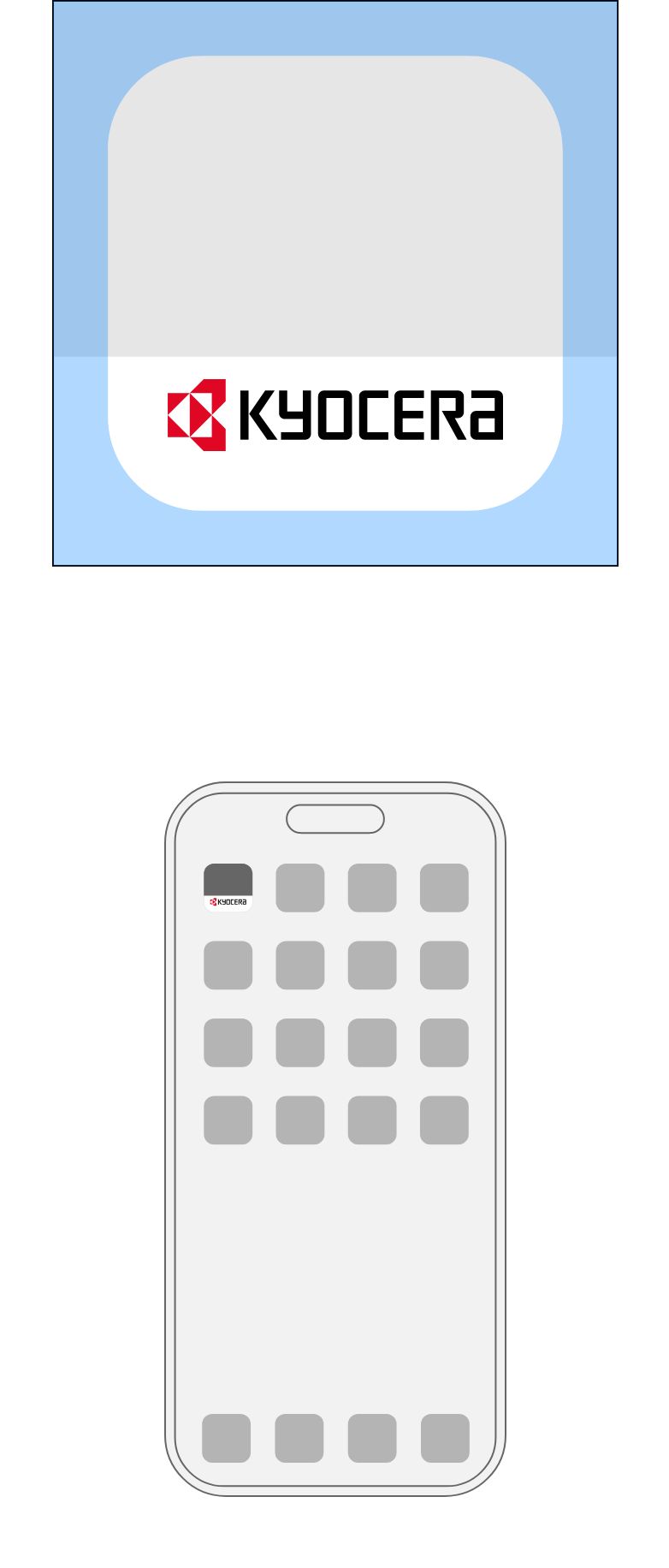
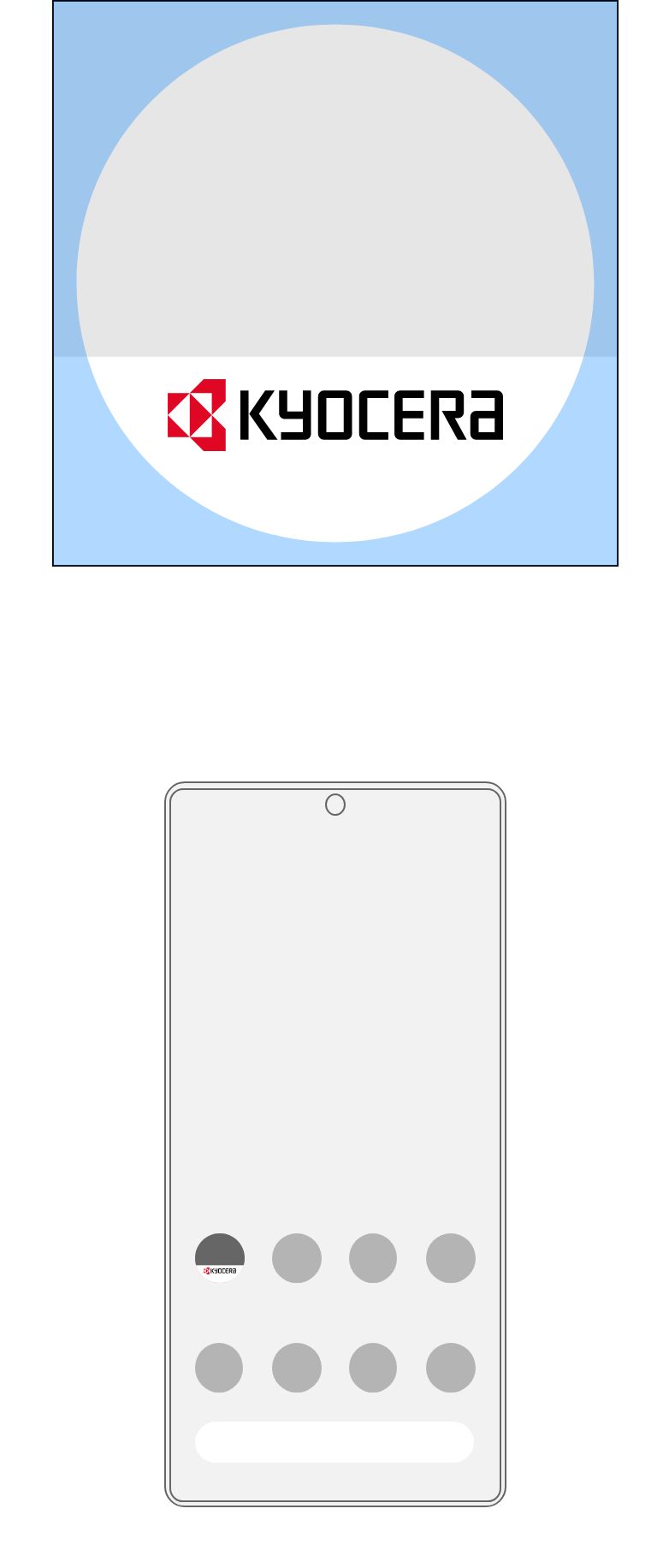
When displaying the Kyocera brand symbol in smartphone or tablet PC application icons, place the white-background brand symbol at the bottom, as shown below.
When using the brand symbol, always download the master data from the download page.
Smartphone App Icon
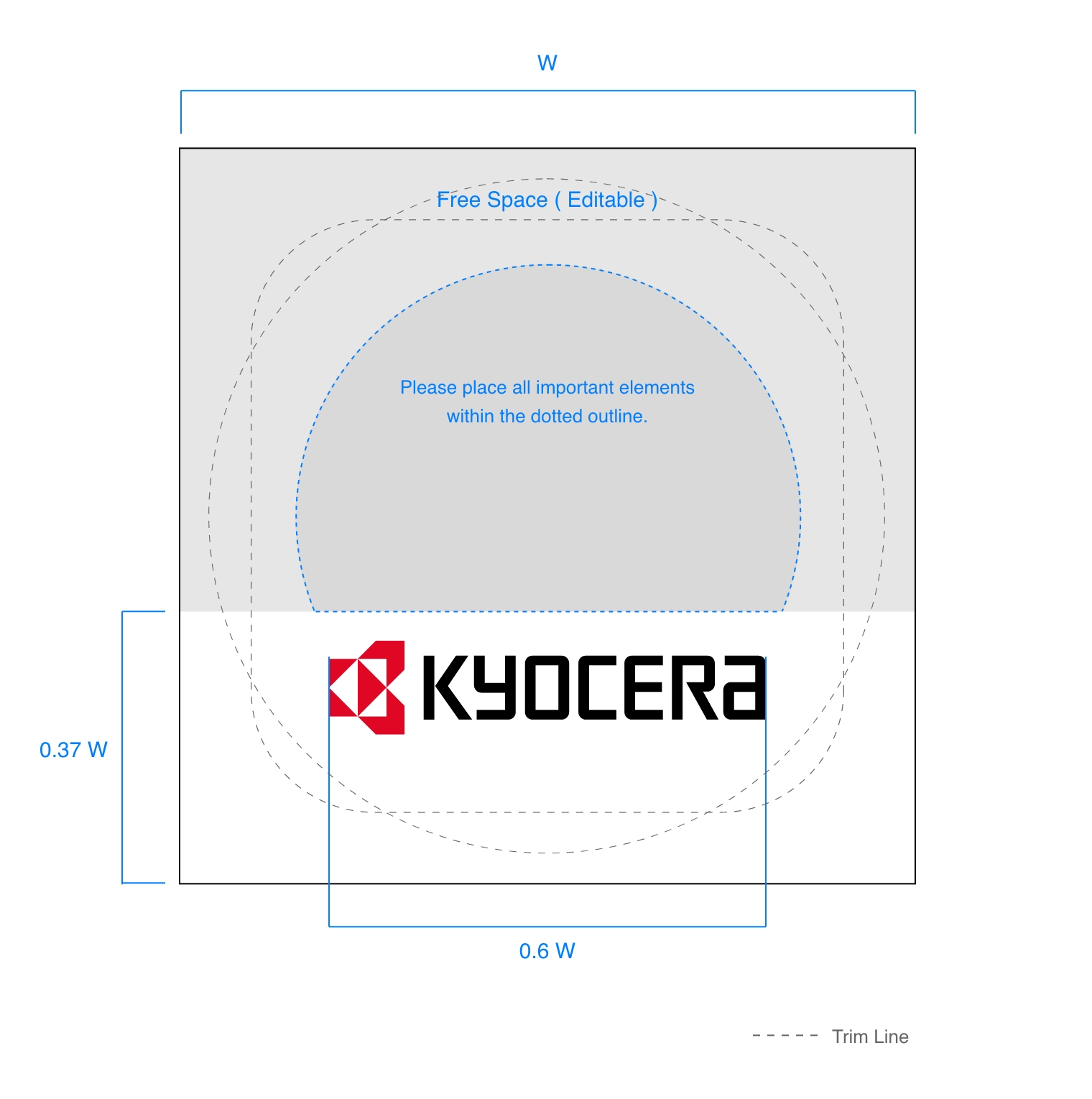
For Square Icons
For Round Icons
* If, due to limited space, it is difficult to secure the minimum clear space, it is not strictly required to display the brand symbol. However, in such cases, the application name displayed below the app icon must include the word “Kyocera” in text.
* When displaying the brand symbol within limited space while maintaining adequate clear space, please pay attention to the minimum size of the brand symbol.
Prohibited Usage Examples
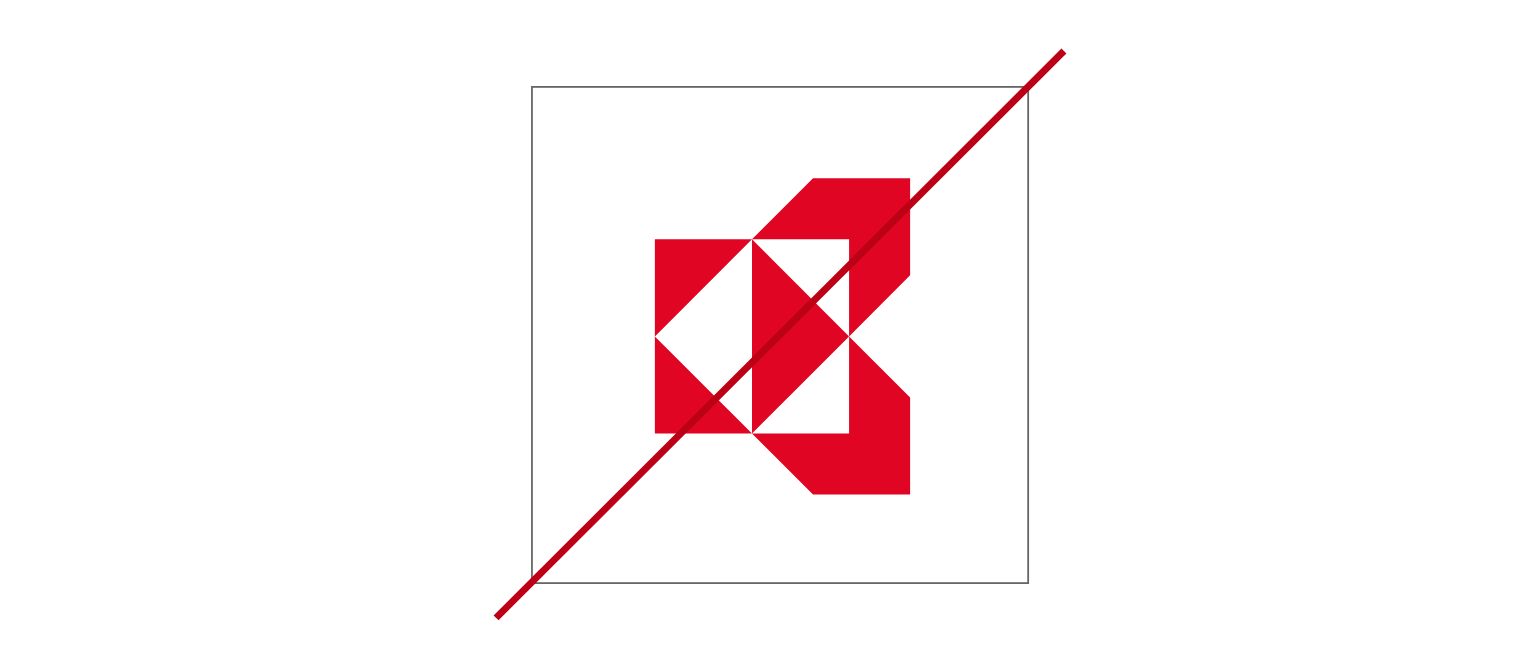
Displaying the symbol mark alone in an app icon is prohibited.